 Navigation Systems
 Fleet Manager
 TOOLS & EXTENSIONS
.png?width=1200&height=675&name=BB%20Support%20(1).png)
.png) ENGINEERING
ENGINEERING
.png)
.png) COMPANY
COMPANY
.png?width=1200&height=674&name=Bastian-Solutions_BlueBotics%20(1).png)


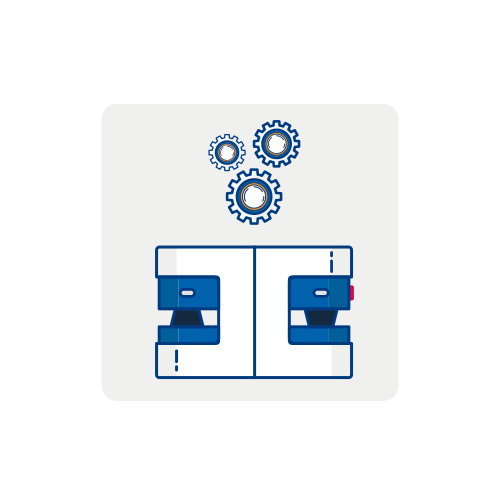
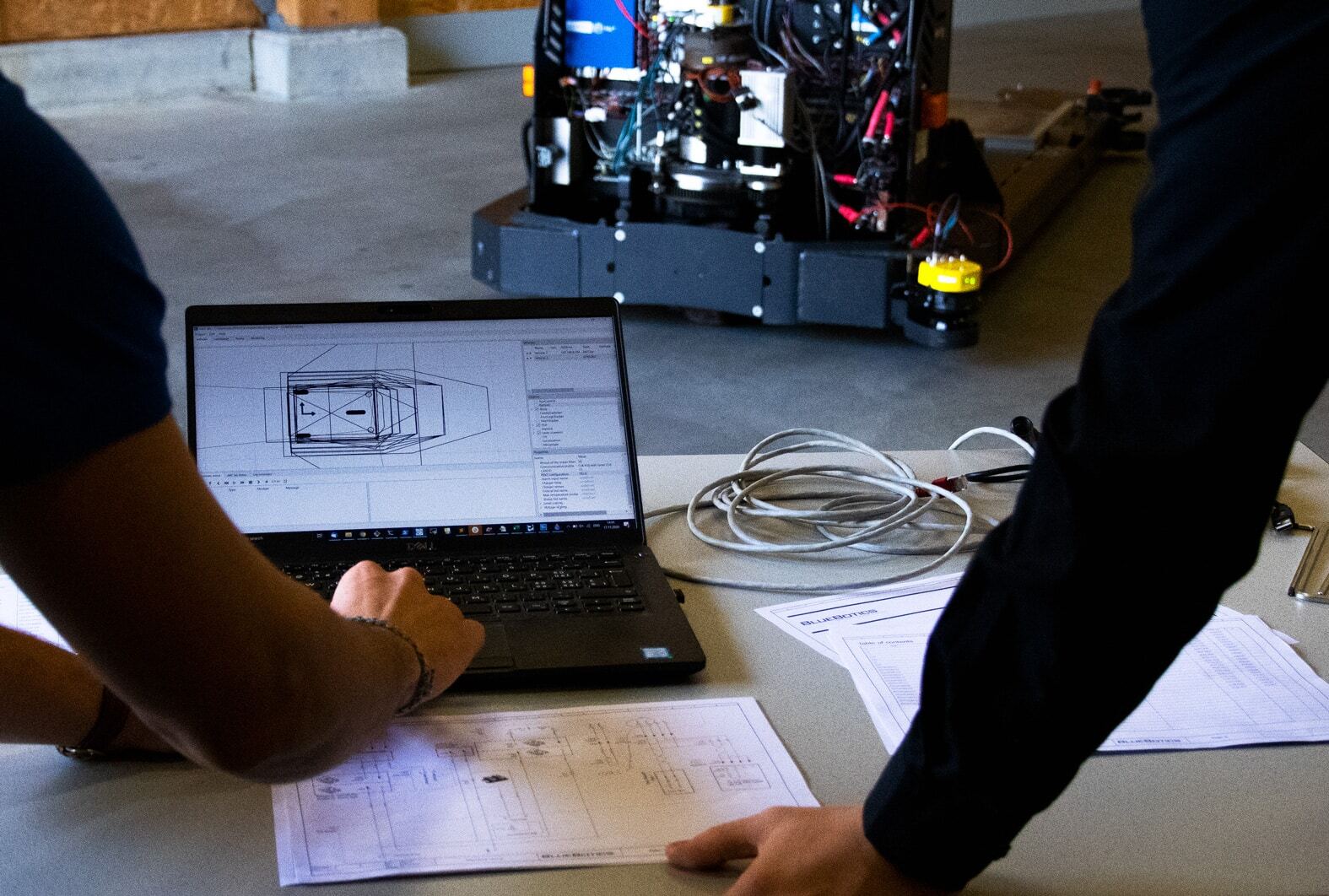
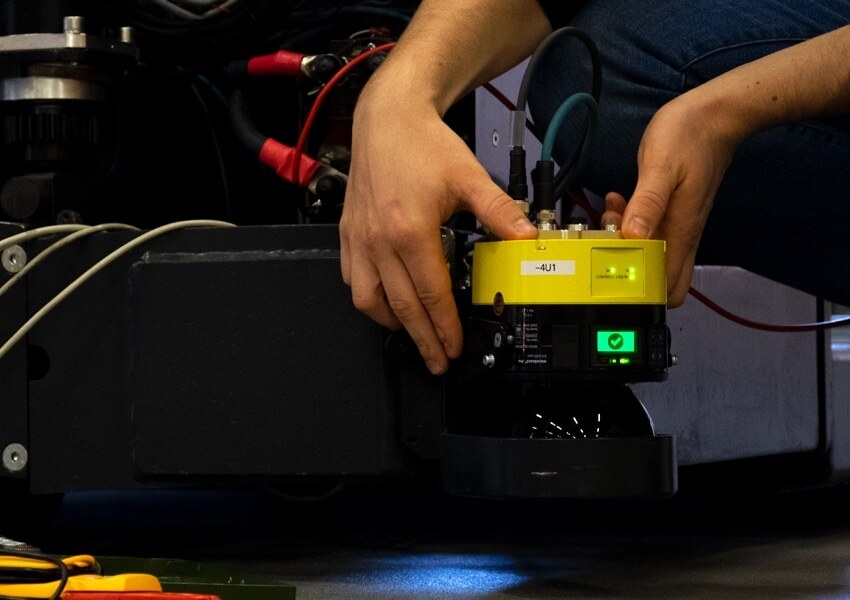
VEHICLE CONFIGURATION & CALIBRATION
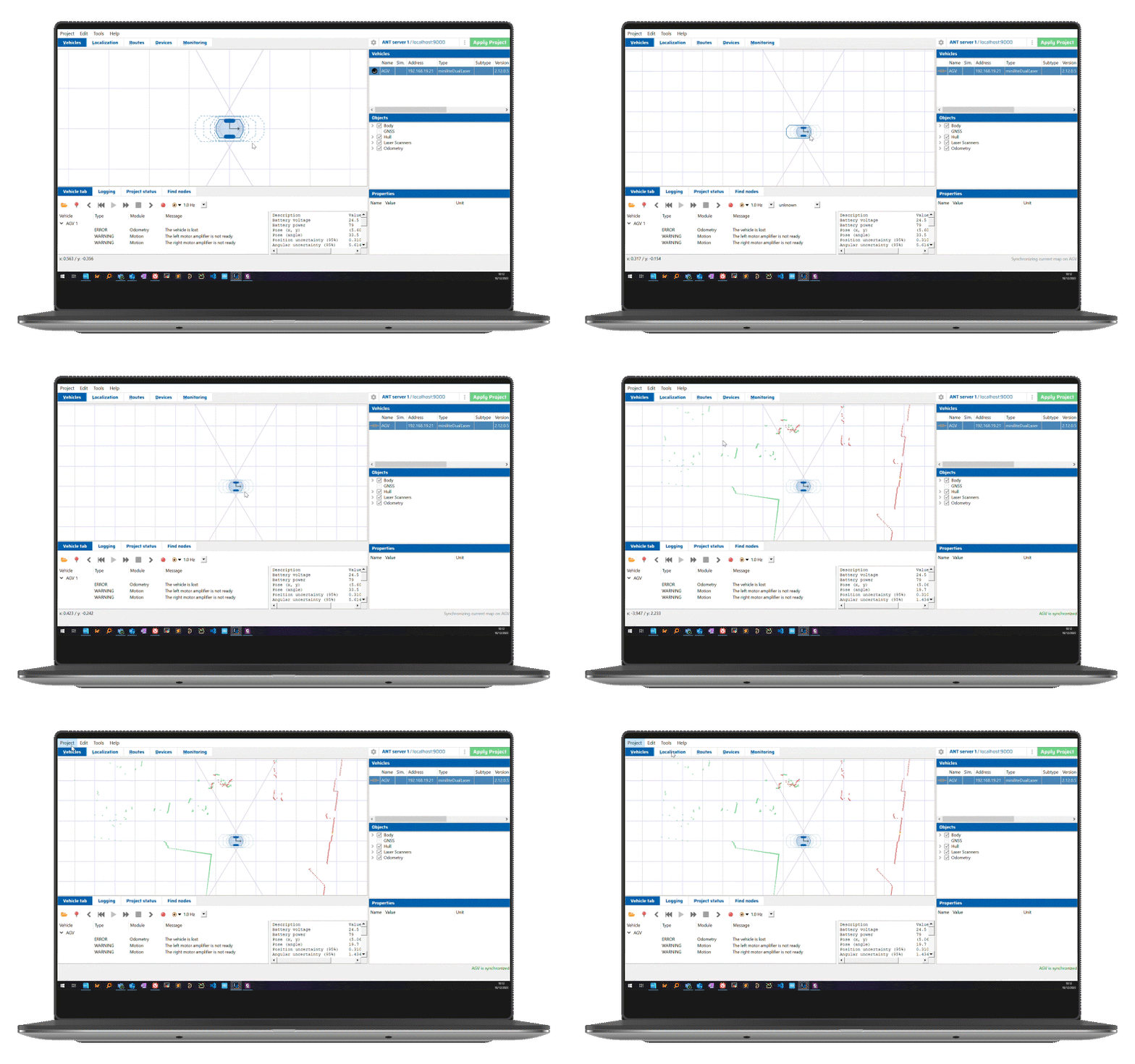
Use ANT lab to set your vehicle's parameters (configuration). Then, calibrate its laser scanners and odometry to ensure your vehicle's positioning accuracy. These tasks can be done for multiple vehicles and types.
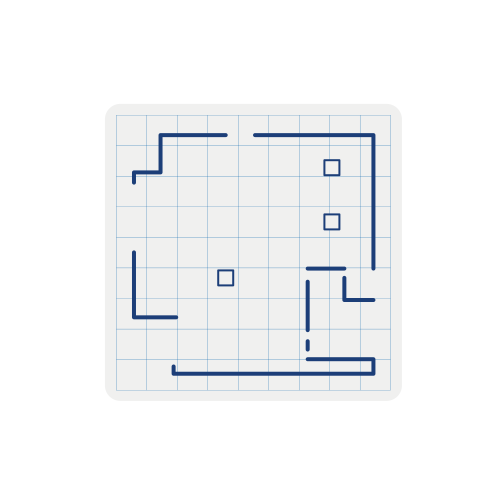
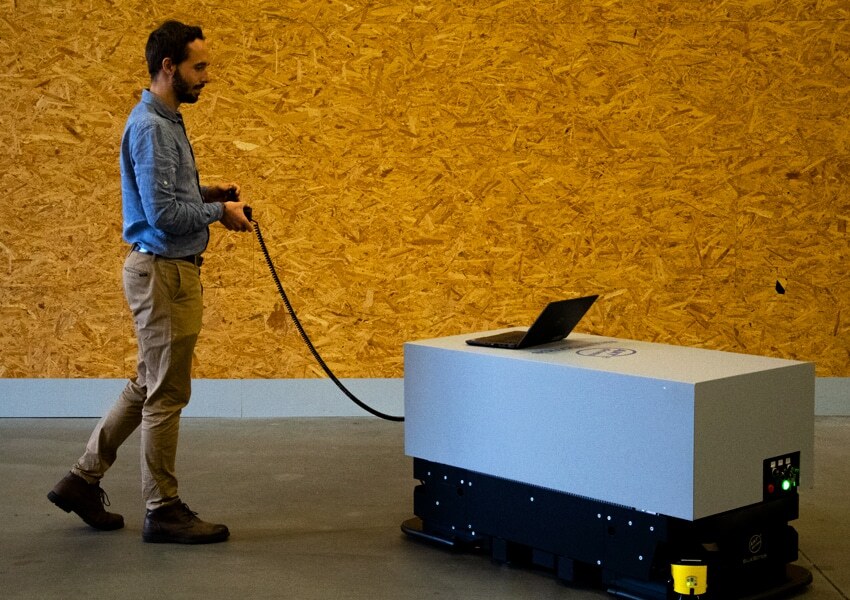
MAP CREATION
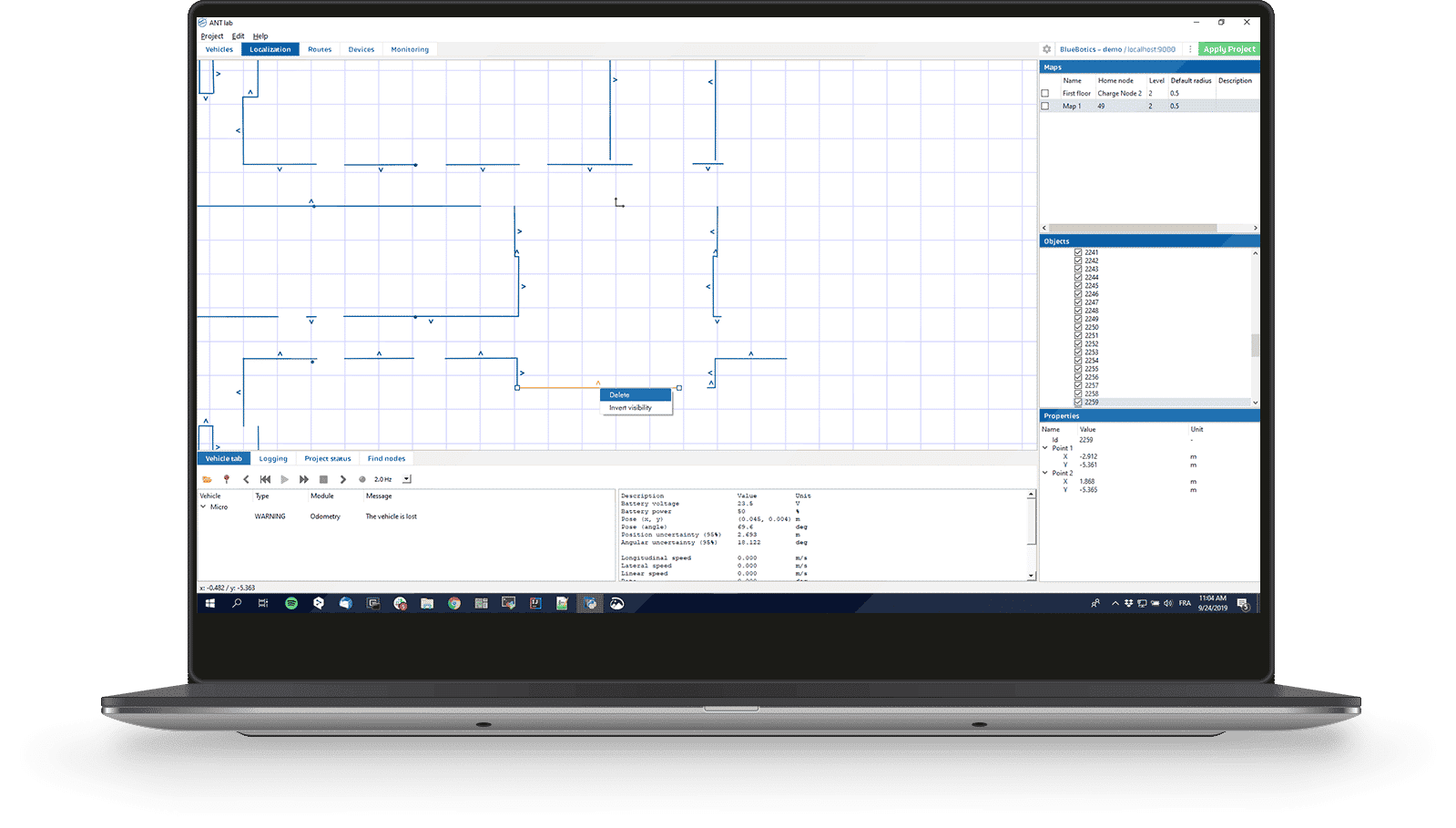
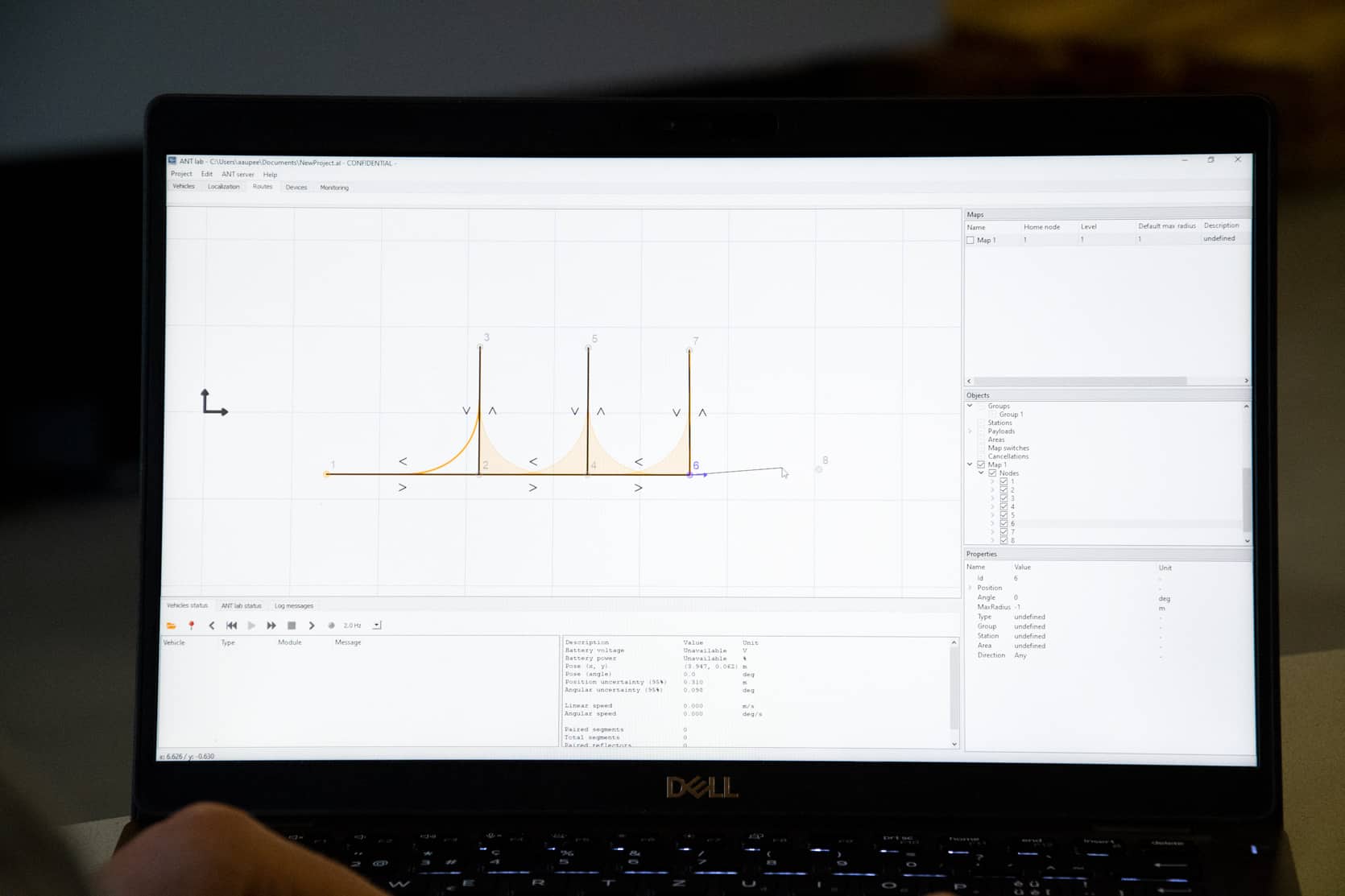
Create a raw map of your site by driving your vehicle around manually (joystick provided). Then, clean this map in ANT lab, removing dynamic objects and defining the permanent features your vehicle will use as references for localization.
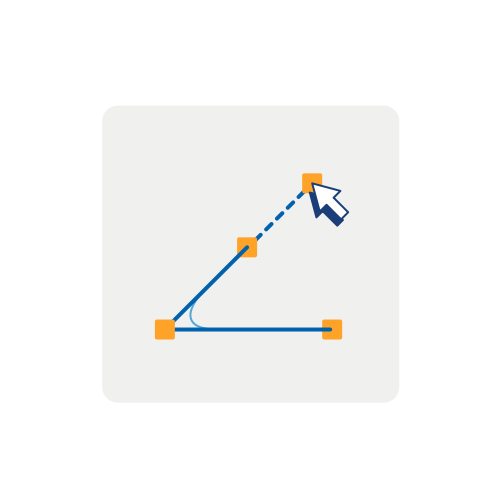
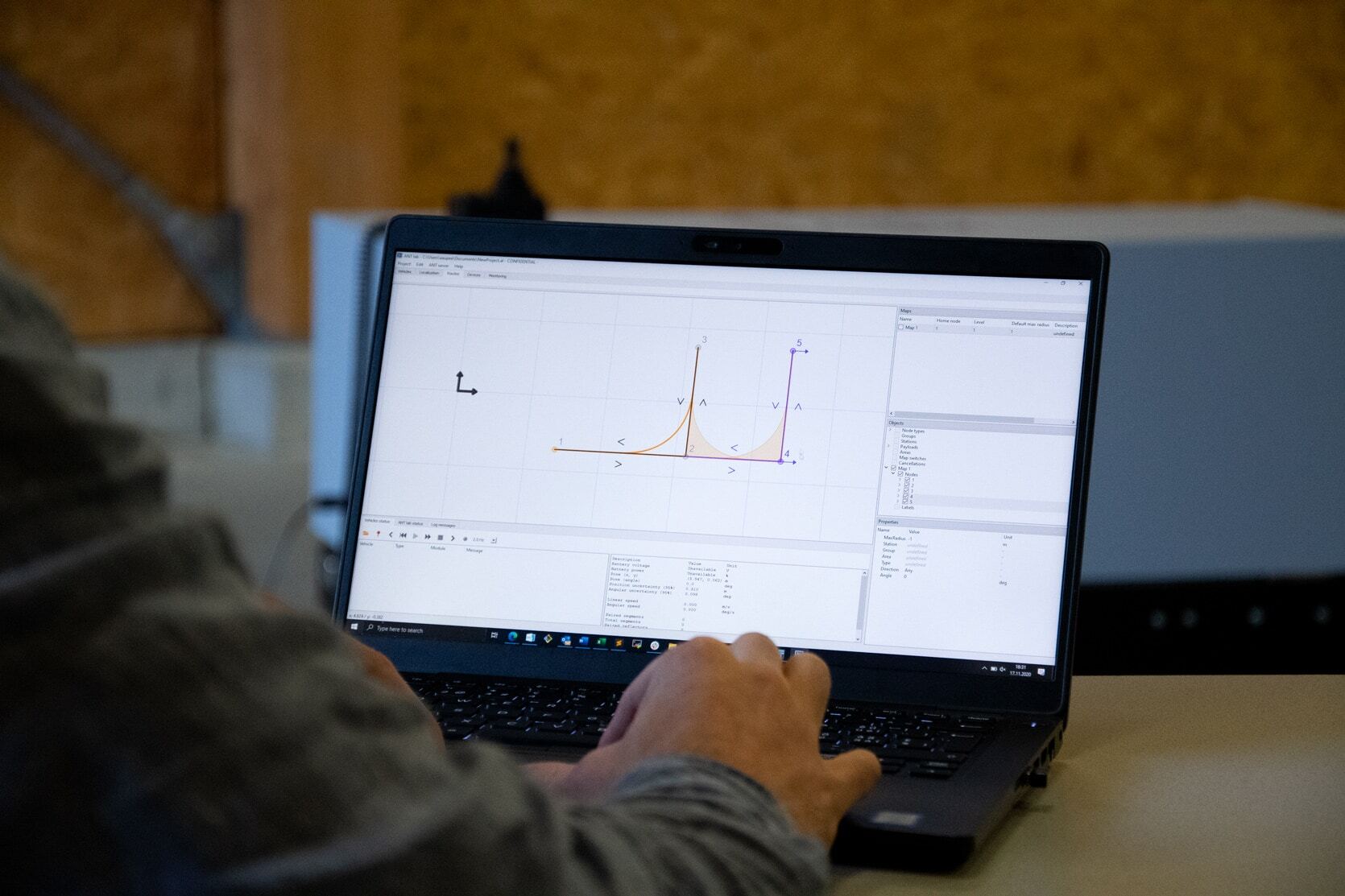
ROUTE & ACTION DEFINITION
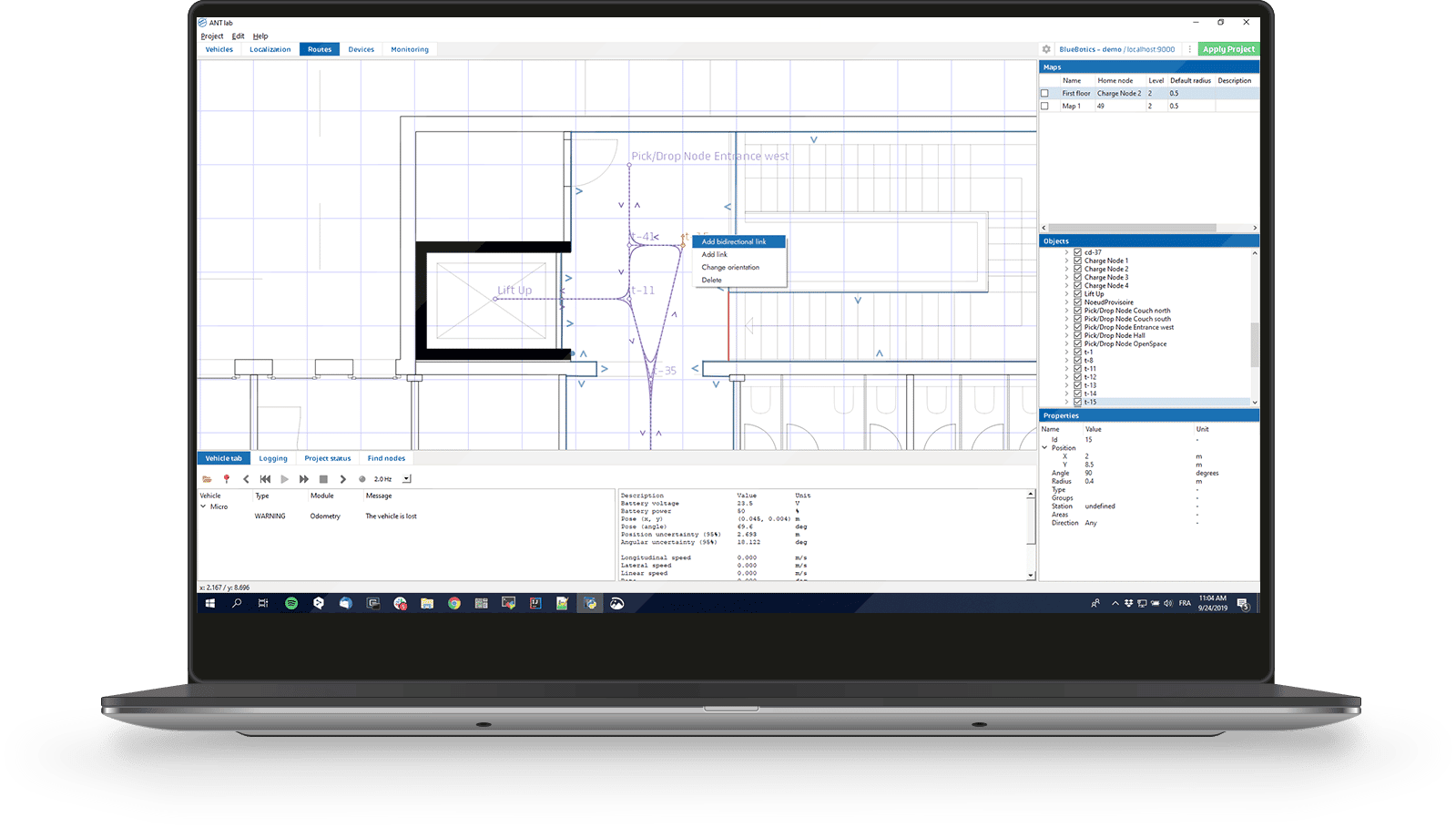
Create your vehicle's different routes. Then, define actions such as moving its forks. You can also set your vehicle's driving mode (path following, obstacle avoidance, or a mix), and configure devices to define how your vehicle interacts with chargers, elevators etc. Traffic rules and battery management strategies can also be defined (if using ANT server).
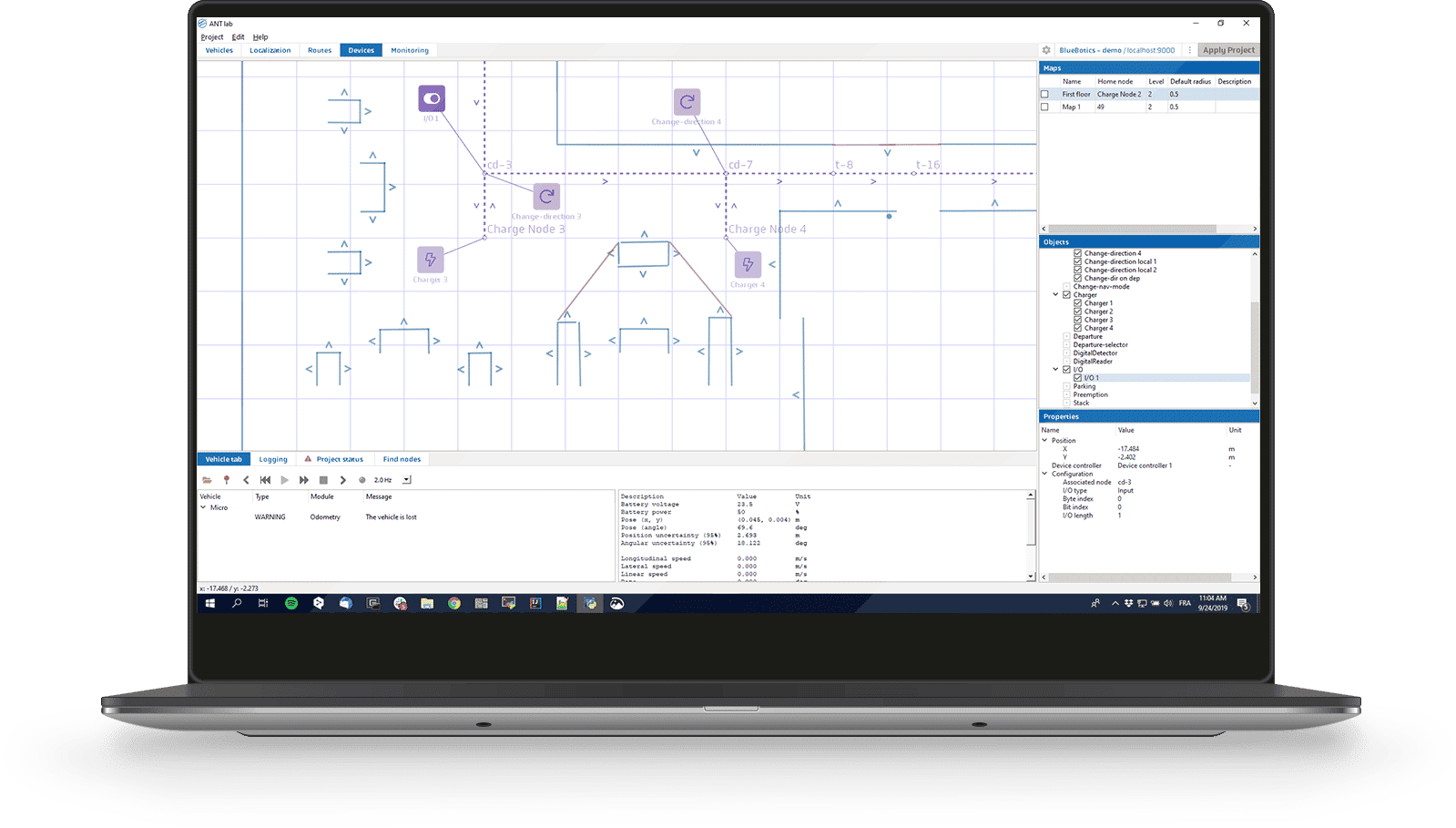
- Project testing
- Free, regular updates
1 |
CONFIGURE YOUR
VEHICLE'S
PARAMETERS
2 |
CALIBRATE ITS
LASER SCANNERS
& ODOMETRY
3 |
CREATE
YOUR
MAP
4 |
DEFINE
YOUR
ROUTES
5 |
DEFINE
YOUR
ACTIONS
6 |
TEST
YOUR
PROJECT
Let's Talk
To learn more about ANT lab, schedule a demo call with our team today.